Effortless recording
- Up to 4 hours of continuous recording
- Automatic meeting detection and recording
- Automatic start, no need to remember to press record
- Capture and process previously recorded meetings
- Pre-meeting microphone and system checks
AI note taker and personal voice recorder
An application that records from your own device, identifies who said what, and turns the conversation into the output your work actually needs.
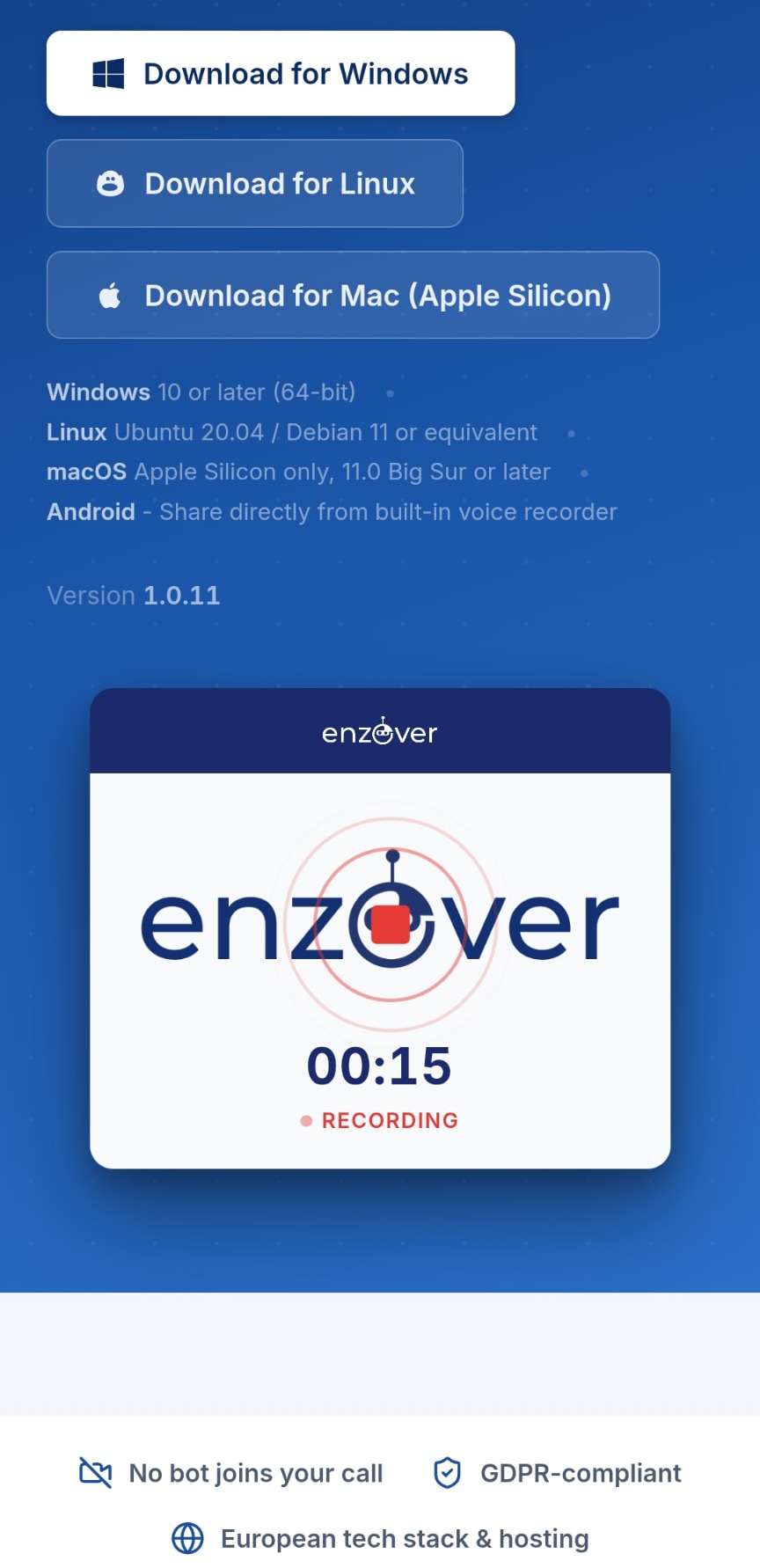
Available for Windows, Linux, macOS (Apple Silicon).
There is no AI assistant appearing as another participant in your meetings.
Record online calls from your own device, and import physical conversations recorded with your phone's standard voice recorder app.
No complicated deployment, browser extension or IT project. Get started immediately.
Automatic meeting detection and recording before every call.
What it does
Four groups of capability, from getting the recording started to deciding what happens to it afterwards.
From conversation to usable work
enzover converts conversations into the format your workflow actually requires, using default or customisable output templates.
Written in the shape your CRM expects, ready to paste or transfer.
What was agreed, who owns it and what happens next.
The conversation condensed, with key takeaways kept.
A walkthrough captured from someone explaining it once.
Repeatable process documentation from a real discussion.
Reusable knowledge instead of a transcript nobody reopens.
Privacy and control
enzover is designed around a local-first, European infrastructure approach, reducing unnecessary cloud dependencies and giving you greater control over where meeting information is processed and stored.
Recording and processing happens on your own device.
Fine-grained speaker identification is performed on your device.
Runs on a self-hosted transcription infrastructure.
Your meeting data is not used to train third-party AI models.
Permanently delete recordings and the data whenever you choose.
Day to day
Fine-grained speaker identification makes transcripts easier to understand and creates more reliable summaries, actions and structured outputs, particularly during multi-person meetings.
Record and process conversations across multiple languages, making enzover suitable for international teams, customers and partners.
Review and adjust transcripts, summaries and AI-generated outputs after the meeting before information is shared or transferred into another system.
Users retain control over their meeting information, including the ability to permanently remove recordings and associated data.
Get started
Install it on your own machine and record your next meeting, or import recordings of physical conversations from your phone's standard voice recorder app.
No separate mobile app needed: put your smartphone on the table and use the standard voice recorder app, such as Voice Memos on iOS or a voice recorder app on Android. Upload the audio file to enzover afterwards for transcription, speaker separation and a summary.
Supported platforms: Windows · Linux · macOS (Apple Silicon).
Questions
No. There is no AI assistant appearing as another participant in the call. enzover records from your own device, so conversations stay natural and your participant list stays clean.
Virtually any online meeting environment, including Microsoft Teams, Slack, Google Meet, Zoom and browser-based calls. Because it records your device, it does not depend on a meeting-platform integration.
No complicated deployment, browser extension rollout or IT project. You can get started without administrator rights or changes to your meeting environment.
The note taker is local-first: recording and speaker identification happen on your own device, transcription runs on enzover's self-hosted, EU-based infrastructure, and your meeting data is not used to train third-party AI models. You can permanently delete recordings and the associated data at any time.
Yes. For physical meetings, simply use the standard voice recorder app on your smartphone — such as Voice Memos on iOS or a voice recorder app on Android. Import the audio file into enzover afterwards and you receive the same automatic transcription, speaker identification and action points.
Yes. Previously recorded meetings can be imported and processed in the same way as a live conversation.
Yes. Transcripts, summaries and AI-generated outputs are editable after every meeting, before anything is shared or transferred into another system.